
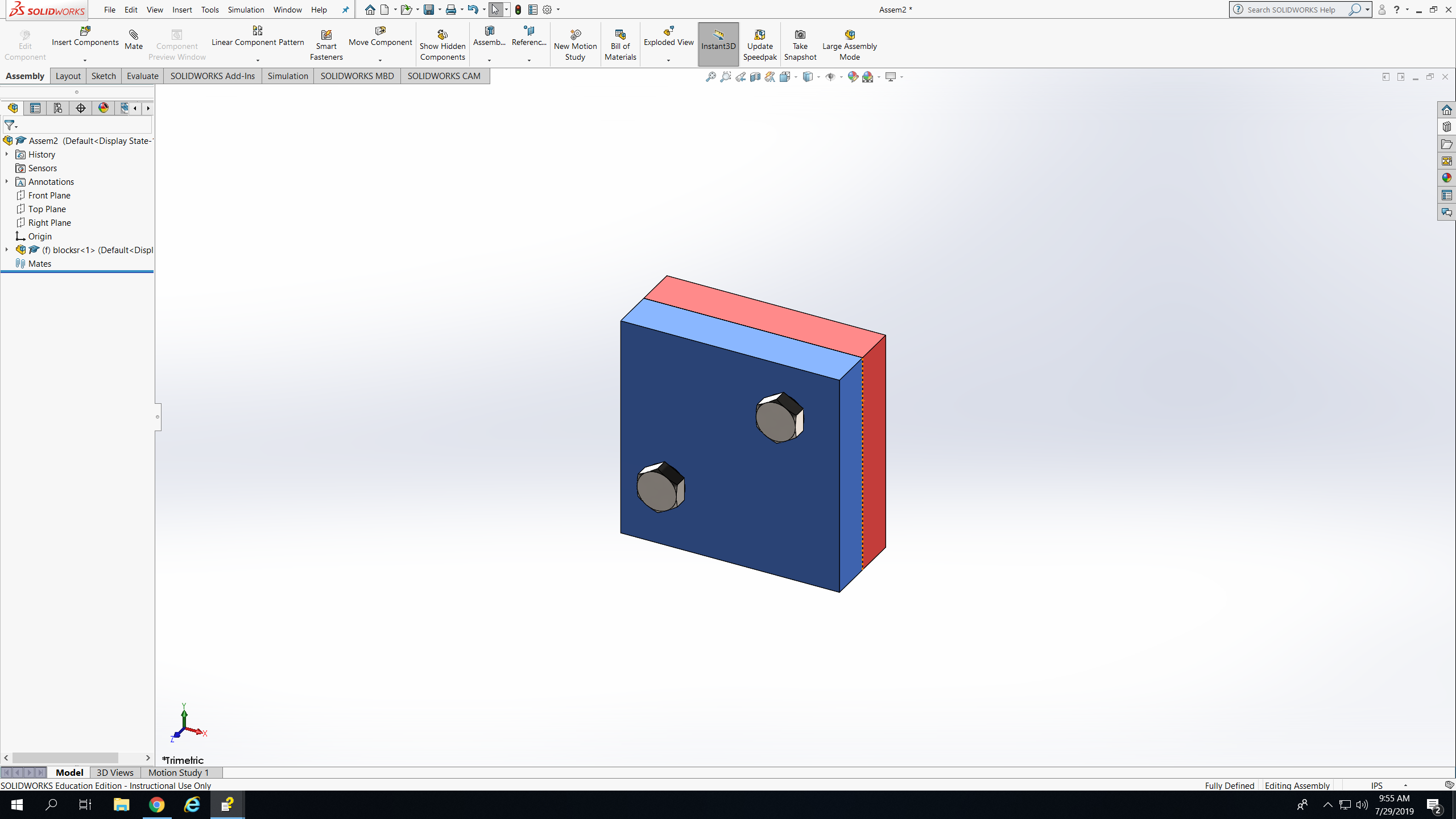
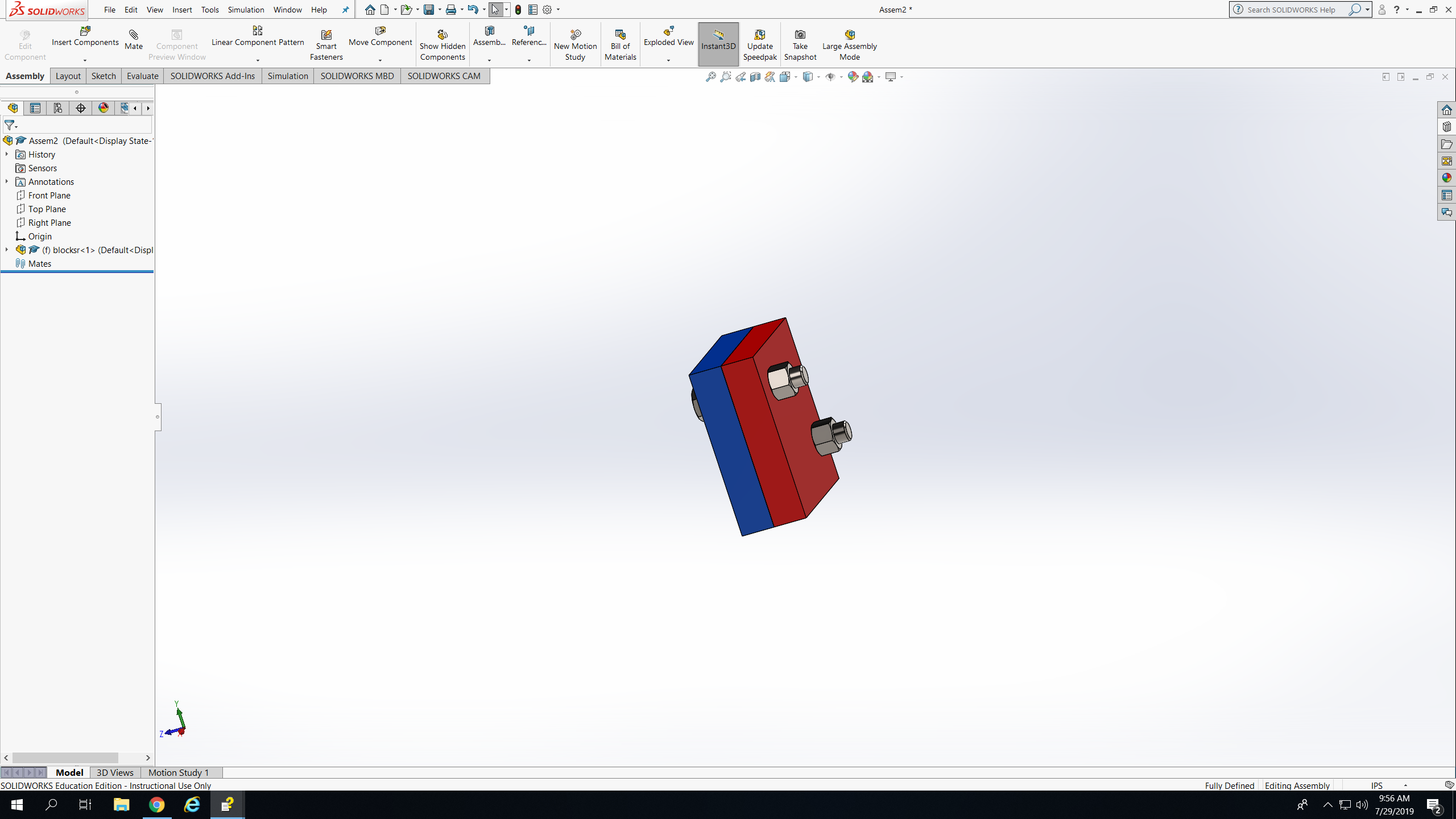
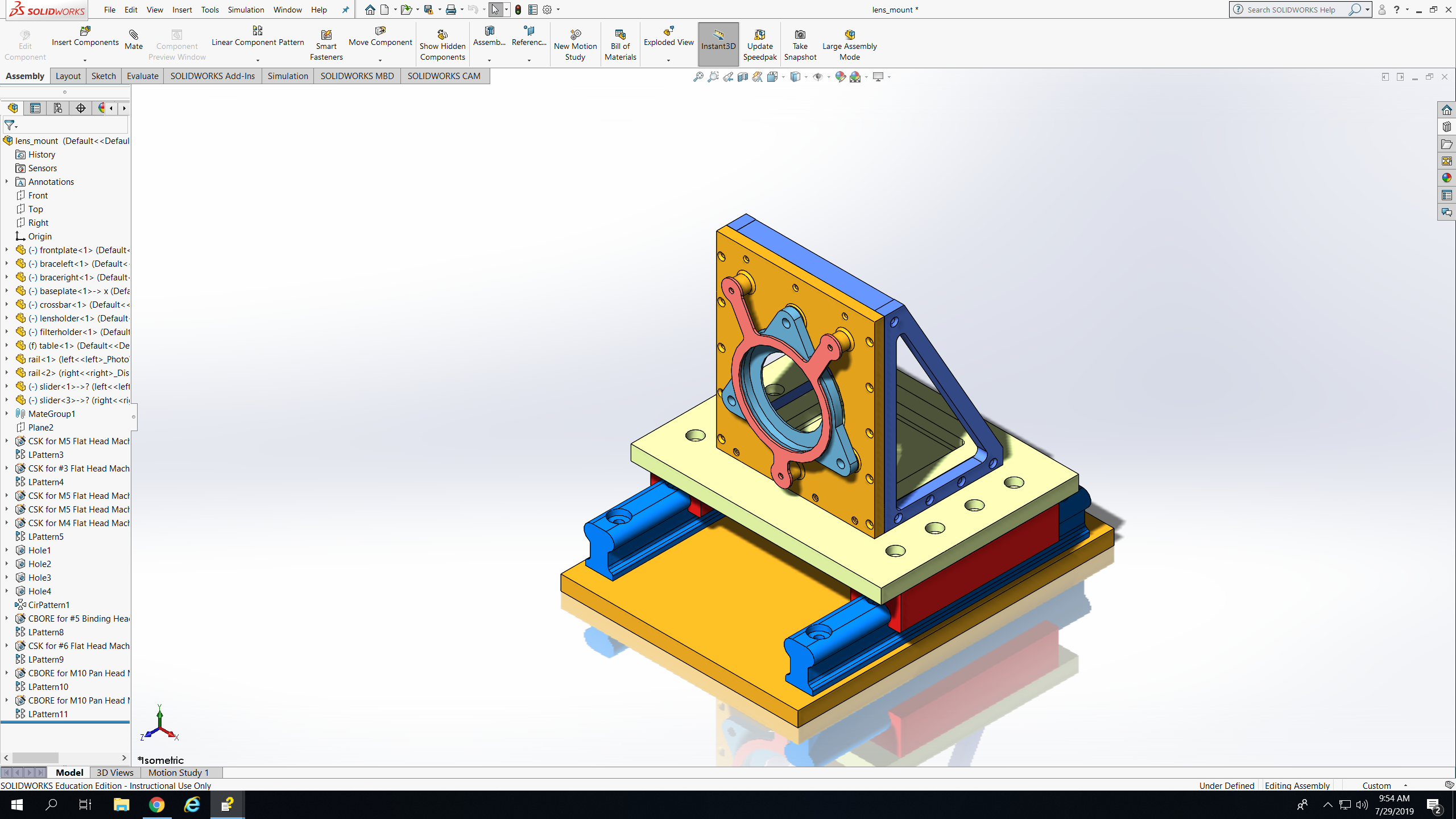
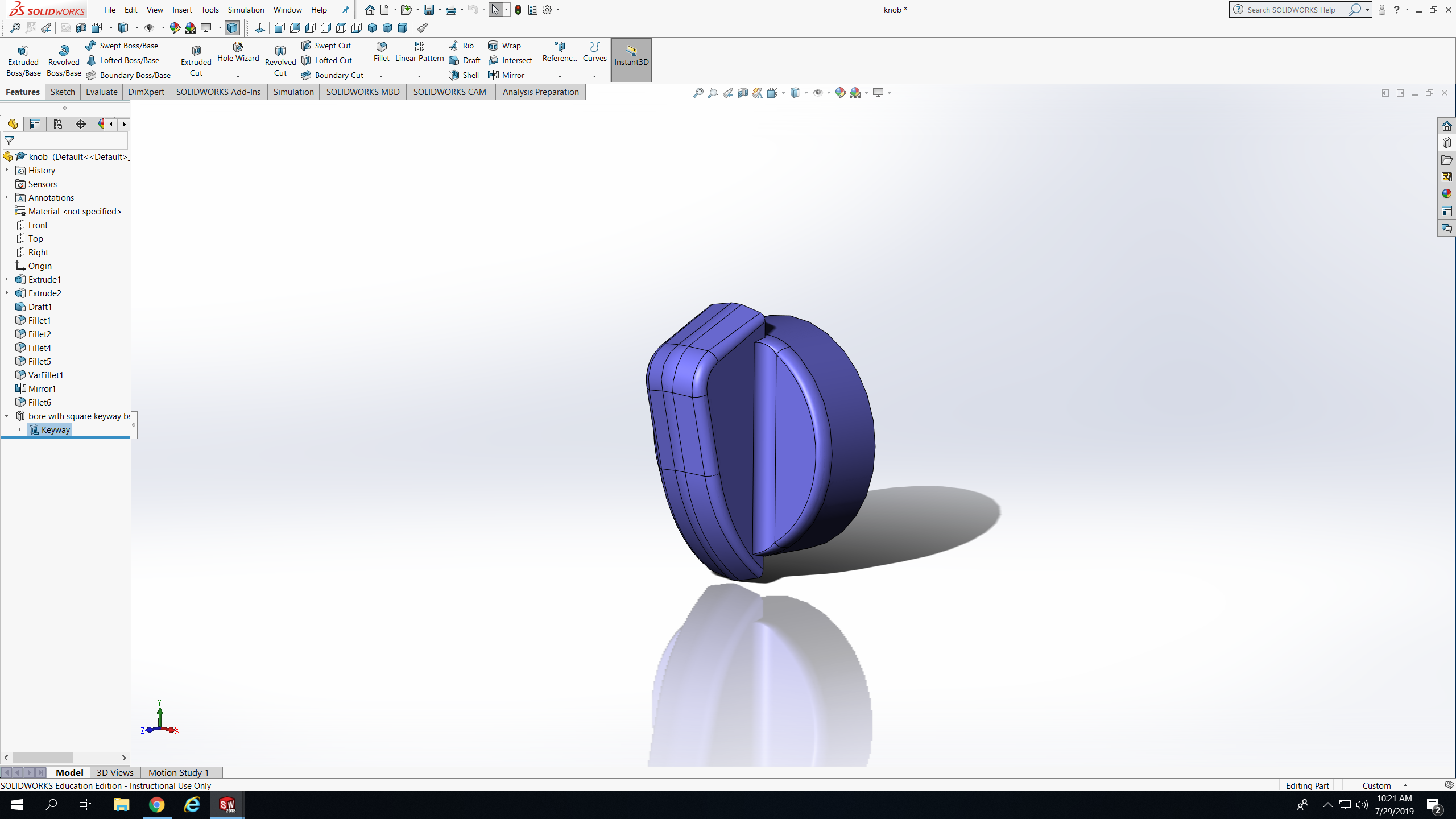
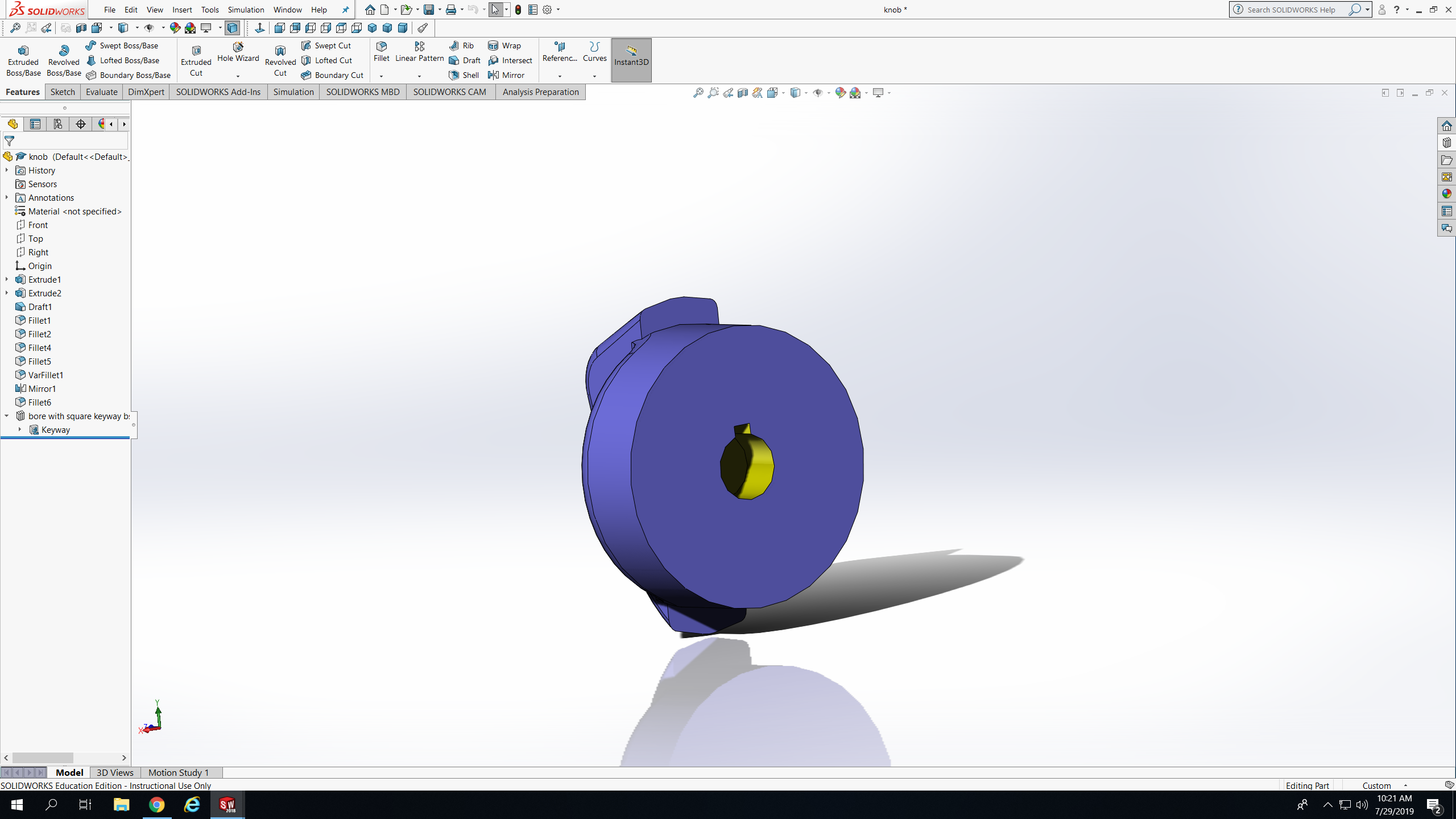
Today I learned how to add hardware to an assembly and how to edit hardware on an assembly by following a tutorial. First I sketched a rectangle and smart dimension it and extrude it. Then I clicked on Hole Wizard which helped make 2 holes on the square. After that I opened an assembly page and inserted 2 of the block that I made, I clicked mate and clicked on the edges of the blocks to assemble them together. And then I opened the toolbox where all the hardware stuff is , I inserted 2 screws in the holes and added nuts on the back of them. After that I had to edit the back of the screws to make them longer since they got short when I added the nuts on the back. Today, I also completed another tutorial to teach me more on how to use fillets. First I inserted a knob which was only a half. Then I filleted some of the edges. After that I mirrored it to make it a whole. And then I had to insert a keyway from the toolbox on the back of the knob. During this lesson I learned that there is different kinds of fillets. There is face fillet, full round fillet, variable size fillet, and a constant size fillet.
 Ruqia Upward Bound